YouTube运营技巧|通过视频传递生物及植物的魅力
讲解繁殖者如何利用YouTube获得客流和信任。解说视频类型、手机拍摄技巧以及嵌入到BreederDirect的方法。视频改变生物与植物的销售方式 照片是截取瞬间的工具,而视频则是传递「生命证明」的工具。珊瑚摇晃的样子、热带鱼游动的姿态、多肉植物丰满的质感——这些内容只有通过视频才能真正传达。
要点总结
讲解繁殖者如何利用YouTube获得客流和信任。解说视频类型、手机拍摄技巧以及嵌入到BreederDirect的方法。视频改变生物与植物的销售方式 照片是截取瞬间的工具,而视频则是传递「生命证明」的工具。珊瑚摇晃的样子、热带鱼游动的姿态、多肉植物丰满的质感——这些内容只有通过视频才能真正传达。
视频改变生物与植物的销售方式
照片是截取瞬间的工具,而视频则是传递「生命证明」的工具。珊瑚摇晃的样子、热带鱼游动的姿态、多肉植物丰满的质感——这些内容只有通过视频才能真正传达。
BreederDirect平台支持YouTube视频的嵌入功能,出品页面和繁殖者档案页面都可以发布视频。犹豫不决的购买者通过观看视频后决定「我就要这一只」的情况并不少见。首先,让我们从理解「为什么视频会有效」开始吧。
对比仅有文字和照片的出品页面与带有视频的出品页面,访客的停留时间会大幅增加。停留时间越长,购买意愿就越高,越容易产生咨询和成交。此外,如果你在YouTube上公开发布视频,它就不仅能为BreederDirect内的搜索带来流量,还能通过YouTube搜索和Google搜索吸引新的购买者,成为一个高效的获客渠道。
推荐视频类型4选
如果不确定应该拍摄什么样的视频,可以参考以下4个类型。将这些类型进行组合运用,能够提升整个频道的信任度。
1. 生物与植物介绍视频
展示销售的个体或株系本身,这是最基础的内容。
- 如果是鱼类或爬行动物,拍摄其游动、动作方式和发色变化
- 如果是珊瑚或植物,拍摄打光后的色彩、叶片和芽的质感细节
- 每个个体1~3分钟左右的短视频能获得更高的完看率,效果更佳
「实物比照片更漂亮」这样的购买者评价,是建立信任的最大资产。
2. 饲养环境与繁殖房间介绍
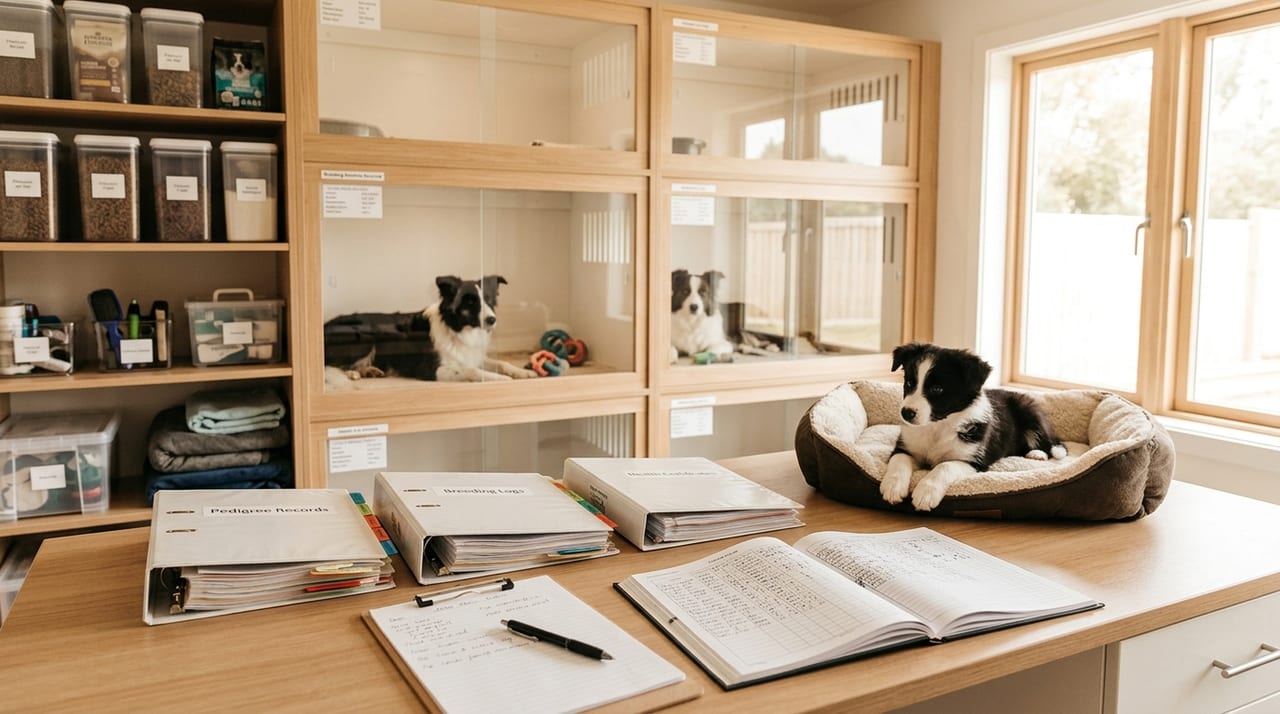
繁殖房间的虚拟导览视频能够直观地证明饲养环境的清洁度和管理的细致程度。
- 水箱、笼舍的配置,过滤器和照明设备的种类
- 温度与湿度管理的情况
- 日常维护工作
「这个个体来自一个被精心管理的环境」这样的安心感,拥有超越价格的说服力。
3. 饲养方法与护理指南视频
分享投喂步骤、换水方法等饲养知识的内容。
- 初学者感到困惑的要点进行清晰的讲解
- 能够给人留下「从这个繁殖者那里购买,遇到问题也能咨询」的印象
- 通过YouTube搜索流量(如「××饲养方法」「××饲料」等)获得新的观众
无私地分享专业知识,能直接转化为长期的粉丝积累。
4. 繁殖记录与成长日记
从产卵到孵化再到成长过程的记录视频,能够创造稀有性和故事性。
- 用定点摄影的方式记录幼鱼或幼体的成长过程
- 通过与亲本个体的对比展现成长变化
- 能够激发购买者「从诞生开始就一直看着这只」的情感认同
特别是对于稀有个体或限定品种,繁殖记录视频是大幅提升购买欲望的关键要素。
用一部智能手机开启拍摄
无需昂贵的设备。现代智能手机拥有足够的画质,只要掌握基本要点就能大幅提升视频质量。
基础设置
- 分辨率:设置为1080p(全高清)或以上。4K容量过大,1080p就足够了
- 防抖:务必打开。手持拍摄时尤为重要
- 方向:横屏(景观模式)拍摄。竖屏视频在YouTube上的可视性会下降
打光
- 自然光效果最佳。阴天时靠近窗户的位置能获得柔和均匀的光线
- 水箱要注意玻璃反光。通过调整摄像头角度避免反射
- 夜间拍摄时,LED环形灯1000~2000日元的价格就能买到
镜头运动
- 用三脚架或手机支架固定能增加稳定性
- 调整摄像头至生物眼睛的高度(俯视角度不够自然)
- 缓慢平移摄像头。快速移动会让观众感到疲劳
音乐与背景音
需要注意著作权。YouTube音频库中的音乐完全免费且可商用,如果需要背景音乐就从这里选择。让生物的水声和环境音自然呈现,也能有效传达真实感。
嵌入到BreederDirect的方法
上传到YouTube的视频可以通过以下步骤嵌入BreederDirect。操作很简单,只需粘贴URL。
在出品页面进行设置
- 从繁殖者仪表盘打开目标出品的编辑页面
- 在「YouTube视频URL」栏粘贴YouTube链接
- 点击「保存」按钮完成
在档案页面进行设置
- 打开繁殖者仪表盘的「设置」
- 在「YouTube视频URL」栏输入频道或介绍视频的链接
- 点击「保存」完成
视频通过YouTube的轻量级播放器(iframe嵌入)显示,不会影响页面加载速度。购买者打开页面的瞬间就能看到视频,点击即可观看。
总结|先拍一部,从今天开始
视频运营的最大障碍是「拍摄第一部视频」。无需追求完美的视频。只要横握智能手机,在自然光照射的地方,拍摄2~3分钟的销售个体就足够了。
一旦制作出视频内容,它就能够持续发挥作用。将视频发布在BreederDirect的出品页面和档案上,它就能24小时365天代替你传递生物与植物的魅力,成为你的「销售代表」。
随着YouTube频道的成长,来自BreederDirect外的客流也会增加,形成粉丝推荐粉丝的良性循环。今天就开始吧。从繁殖者仪表盘设置视频URL,用视频传递你的生物与植物的魅力吧。